
Peripherals
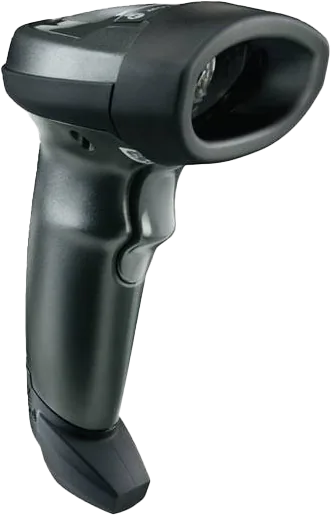
2D Handheld Barcode Scanner
Bring barcode capture into checkout and stock tracking to reduce manual entry in a connected POS workflow.
$20
Final pricing and eligibility are confirmed in your written quote before activation.
Scanners, printers and the extras that complete your POS.
Talk through your options
Start with the point in your checkout routine that causes friction. Perhaps staff type barcodes that could be scanned, receipts print in an awkward place or a payment device needs a stable customer facing position. Describe that task before choosing an accessory category. A new device is useful when it fits the workflow and the software that must control it.
Record the exact make, model and software version of the existing POS. Include the available connections and any restrictions from its provider. Two devices with similar connectors may use different communication methods or require different drivers. Ask for explicit compatibility confirmation and keep that answer with your equipment records before placing an order.
For scanners, collect examples of the labels used in your business. Consider small packaging, curved surfaces, damaged labels and codes shown on a phone if that is part of your process. Ask the provider to demonstrate the supported formats using your software. Confirm how a scan reaches an item record and what staff should do when an item is unknown.
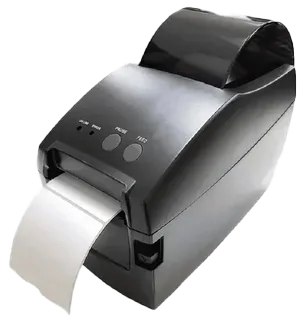
For receipt or kitchen printers, decide where information needs to appear and who reads it. Check connection options, supported paper and the process for clearing an error. A kitchen workflow may need order routing that depends on the ordering software. A printer alone cannot create that connection, so test the entire path from entry to the correct output.
A cash drawer needs both physical space and a supported way to open. Confirm its connection, access control and closing routine with the selected POS. Customer displays should show information that the software can actually provide in the chosen setup. Card readers require a review of processor support and payment application compatibility, rather than selection by appearance alone.
Stands and mounting accessories affect reach, visibility and cable strain. Check measurements against the actual counter and the equipment being supported. Keep customer access and staff movement in mind. If several accessories share a connection hub or network, discuss the combined requirements so a successful individual test does not conceal a problem in the complete installation.
Keep a record of working settings before changing equipment. If possible, test the proposed accessory outside a busy trading period and preserve a documented way to return to the previous setup. Staff should understand both the new routine and the response to a common fault. Label cables clearly and store the relevant support contacts where the team can find them.
Compare the full cost of the improvement, including adapters, mounting pieces, configuration and any software requirement. Confirm which items are included in a quote and which remain your responsibility. A thoughtful accessory review can preserve useful existing equipment while making the next part of the workflow easier to operate.
A scanner, printer or scale can improve an existing counter when it works with the software you already use. Start with exact model names and connections. Confirm compatibility and placement before ordering, then test the complete workflow together rather than treating each accessory as an isolated purchase.
Features depend on the selected hardware, software, processor and agreement. Confirm the exact configuration in your written quote.
Connecting the pieces you need
Peripherals
Bring barcode capture into checkout and stock tracking to reduce manual entry in a connected POS workflow.
$20
Final pricing and eligibility are confirmed in your written quote before activation.
Peripherals
Produce clear labels across different media sizes with USB, Ethernet and WiFi connection choices.
$60
Final pricing and eligibility are confirmed in your written quote before activation.

Peripherals
Send readable order tickets to the kitchen with impact printing and audible new order alerts.
$40
Final pricing and eligibility are confirmed in your written quote before activation.
Peripherals
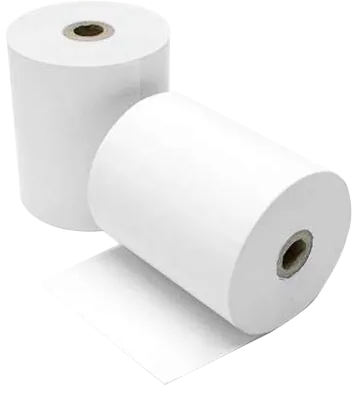
Restock a Clover Station receipt workflow with BPA free paper that resists smudging and fading.
$70
Final pricing and eligibility are confirmed in your written quote before activation.
Peripherals
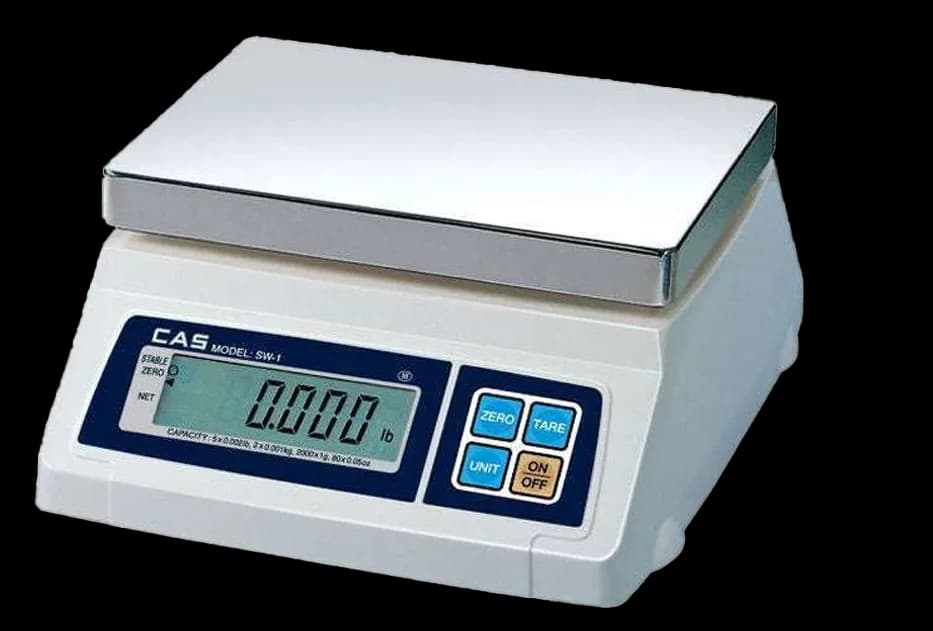
Connect item weighing to a POS workflow with clear readings in pounds, ounces or grams.
$25
Final pricing and eligibility are confirmed in your written quote before activation.
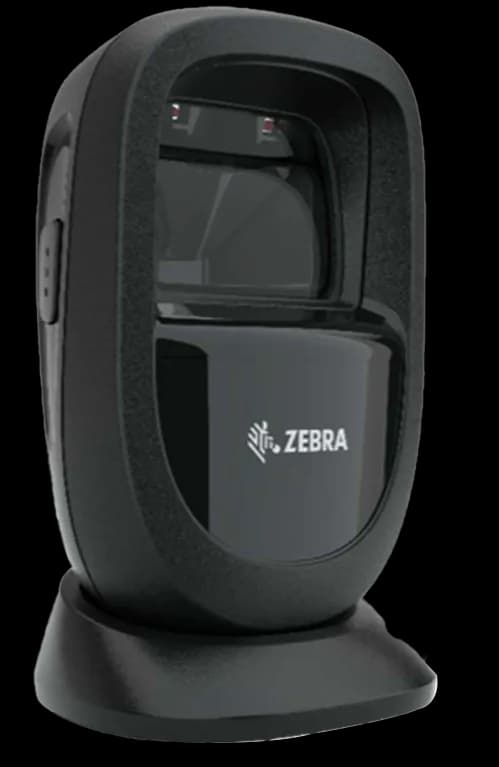
Peripherals
Capture traditional barcodes and QR codes with wireless and USB connection options for your POS.
$50
Final pricing and eligibility are confirmed in your written quote before activation.
Compare the configuration, ongoing costs and agreement before making your choice.
Share your workflow and the questions you want answered. Request a POS quote or a free review of your processing statement.